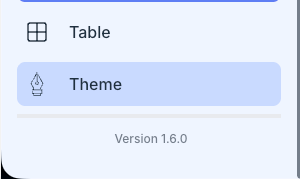
How to update to new version 1.6.0 guide
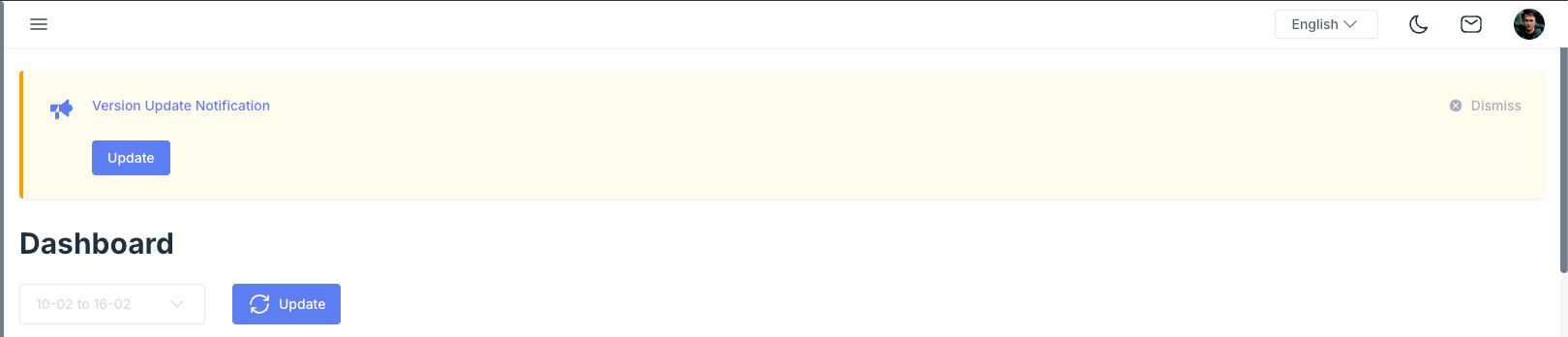
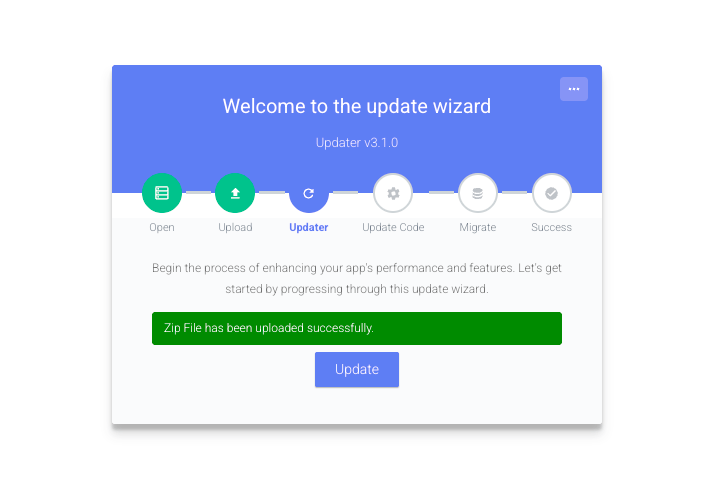
Click Update to update the new version
if you don’t see update, login to admin panel
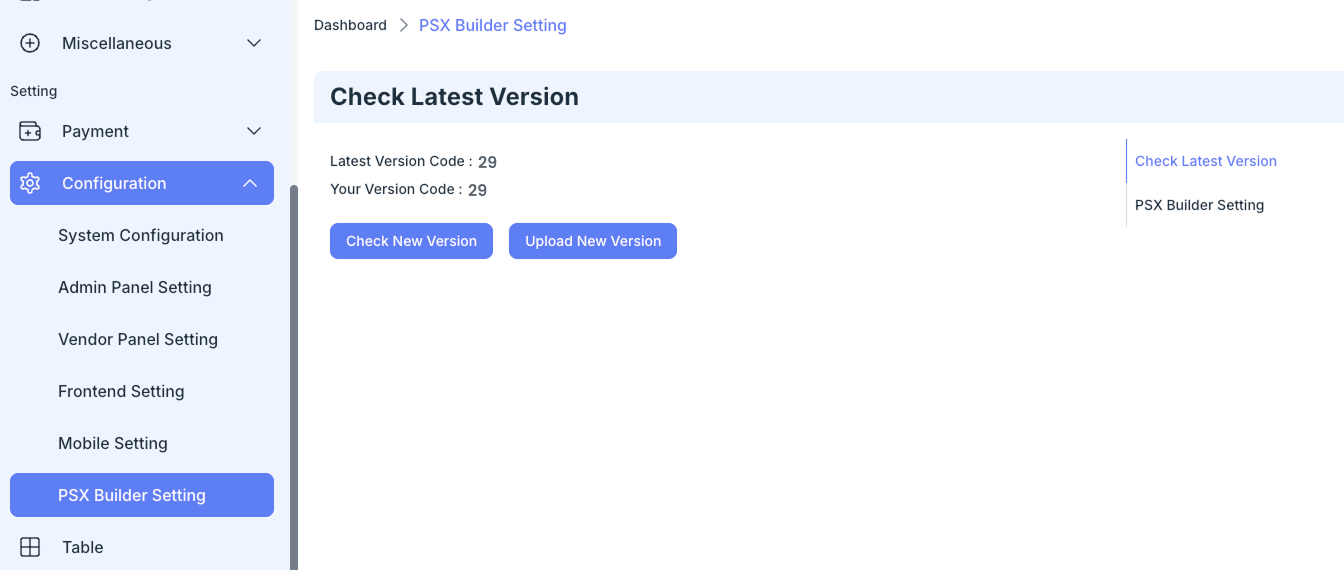
Configuration > PSX Builder Setting > Click Check New Version to fetch the latest version no
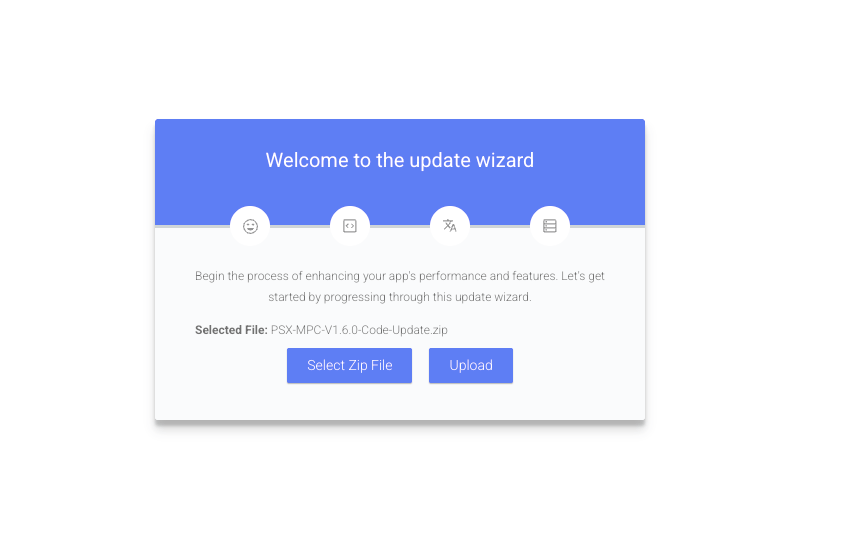
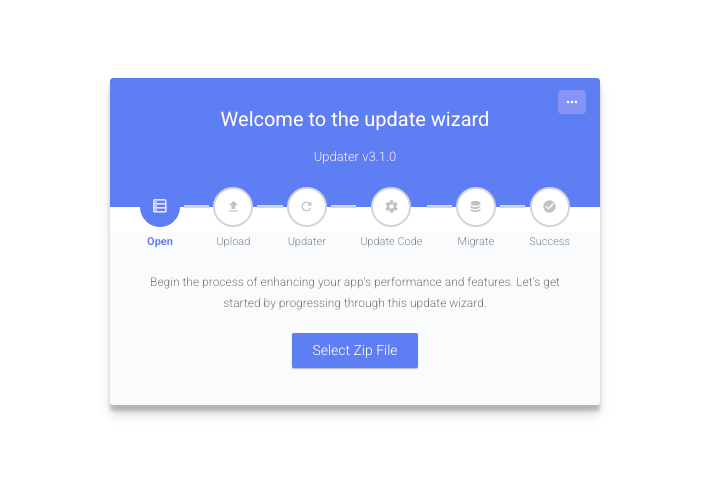
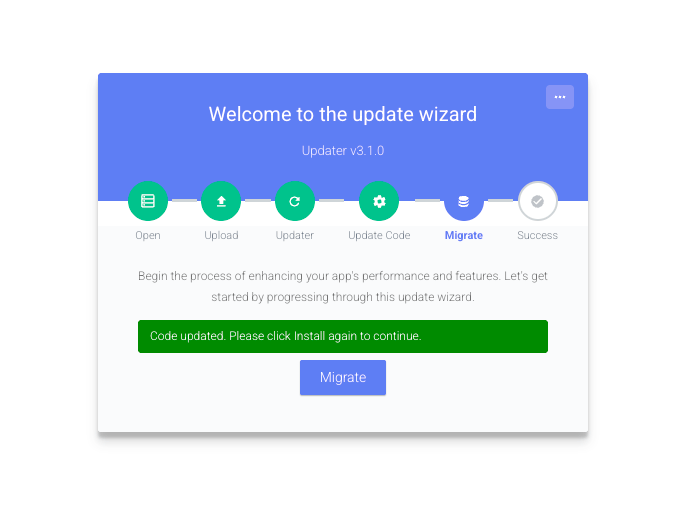
The updater wizard will show up
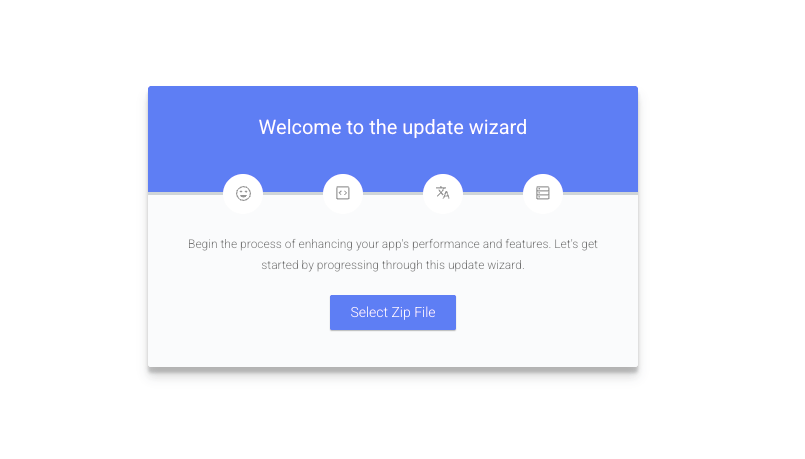
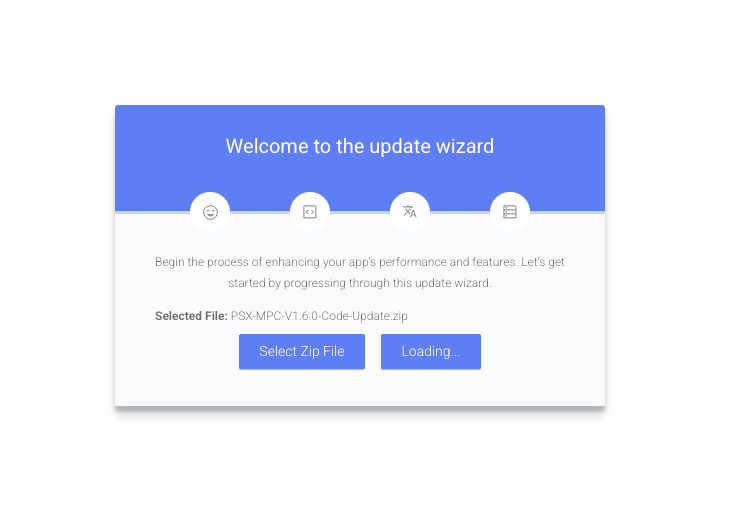
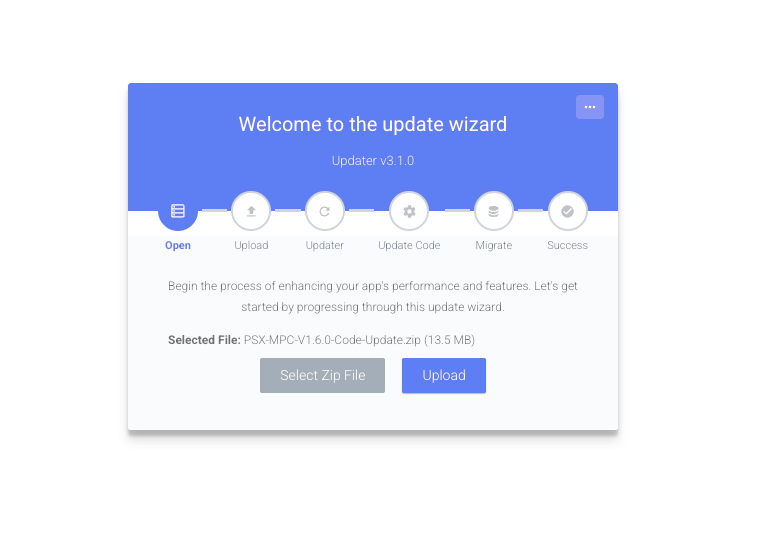
Select and Upload Web/Update 1.6.0/PSX-MPC-V1.6.0-Code-Update.zip
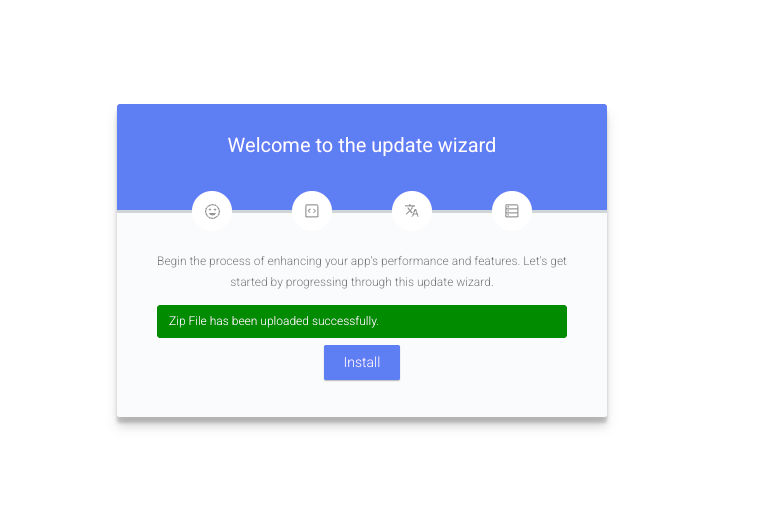
After success, try to login again and open
Configuration > PSX Builder Setting
There you should see Upload New Version Button
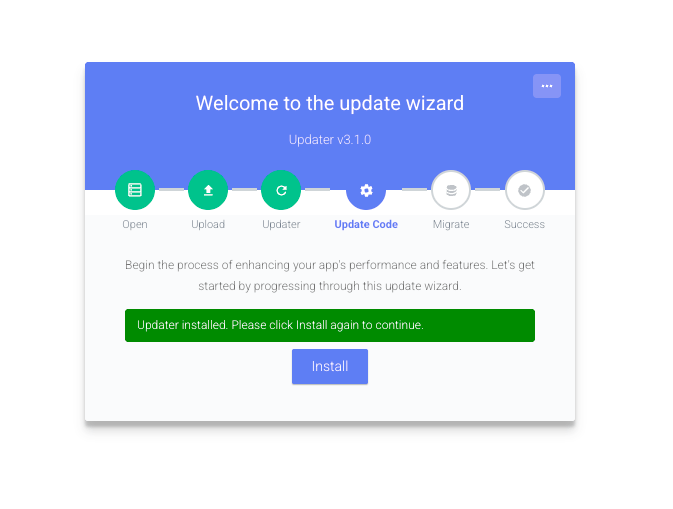
And Click that again and upload the same zipfile
Web/Update 1.6.0/PSX-MPC-V1.6.0-Code-Update.zip
and follow the step
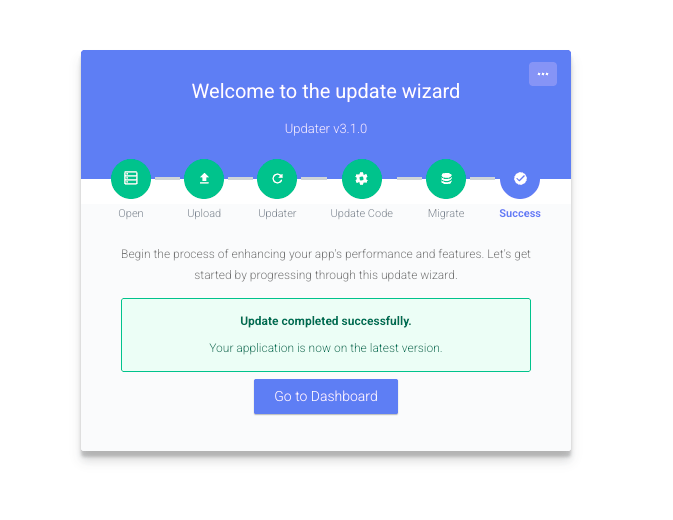
Version 1.6.0 got updated